★★★★★4.7 / 5 on G2
Rask AIvsPerso.ai

Rask AI vs Perso.ai for translating courses and product demos

Translating a course or product demo takes more than dubbing the spoken track. Compare how you will review terminology, edit translated segments and handle text on screen in each tool.

Choose Rask AI if
  • You need to review and organize an ongoing library of localized videos.
  • You localize screen-heavy content: courses, webinars, demos with text on screen.
  • You run a team: teamspaces, batch upload, API with an SLA.
Choose Perso.ai if
  • You mainly need to dub individual videos and are comparing entry-level plans.
  • Your videos are short and you publish them yourself, without a review step.
The rows that usually decideRask AIPerso.ai
On-screen text inside the frameBusiness and upNot listed
Screen recording with translationAI Screen Recorder, betaNo
Translation review workflowDictionary, instructions, segment editor, reviewer rolesGlossary and script editing
Review by your teamIn the projectNot listed
Team workspace and SSOTeamspaces, SSO/SAMLShared workspace on Enterprise; SSO not listed
Vendor-claimed figures from public pages. The full table with sources is below.
Used by global teams
Feature comparison

Compare the workflows that matter

Compared product: Perso Dubbing. This page compares translation of recorded videos in Rask and Perso Dubbing. Perso LiveDub and STUDIO PERSO are separate products for live calls and avatar content.

Translation review · Video output · Team workflow · Pricing. Capabilities both tools share are collected at the end. Hover the ? next to a feature for what it means.

FeatureRask AIPerso.ai
What you can translate
On-screen text inside the frameSlides, captions and charts baked into the video
Business and upNot listed
Screen recordings, recorded in the same toolRecord a demo and translate it without export
AI Screen Recorder, betaNo
Audio onlyPodcasts, voiceover tracks
YesNot confirmed in this comparison
Avatar videos from a scriptA presenter generated from text
NoSTUDIO PERSO, separate product
Translation review
Project instructions for the translation modelTone, audience and wording rules per project
YesNot listed
Review by your teamReviewer roles and approval of translated text in the project
Reviewer roles, Business and upNot confirmed in this comparison
Professional translation reviewReview by a specialist, arranged separately
On request: discuss review services with our teamNot listed
Video output
Multi-speaker detection and per-speaker voicesPanels, interviews, courses
YesNot listed
Team workflow
Batch uploadLocalize a library, not a file
Business and upQueue up to 3, PRO
Lip-sync APILip-sync as an API capability
YesNot confirmed in this comparison
Text-to-speech and speech-to-text APIVoice and transcription endpoints
YesNot confirmed in this comparison
SSO / SAML
YesNot listed
SLAUptime and support commitments
EnterpriseNot listed
C2PA / content authenticityProvenance for AI-generated media
MemberNot listed
Languages and voices
Several target languages per uploadOne source, many outputs
UnlimitedNot confirmed in this comparison
PricingCompare the complete localization workflow: look at the included minutes, revision terms, translation controls and team features in the plan you would actually use. Perso includes unlimited regenerations on paid plans; Rask includes edits and re-renders in its localization minutes. Get an estimate for your project
Billed perWhat one unit of price buys you
Localization minutes of output; edits and re-renders includedCredits; regenerations unlimited on paid plans
Starting subscriptionEntry plan and what its allowance measures
$39/month, including 25 localization minutes$6.99/month, 7 dubbing minutes
Extra usage on web plansWhat more minutes cost on the same plan
$3 per extra minute$1.5/min credit pack
API pricingA separate buying option from web plans
Through our teamNot confirmed in this comparison
Max length per videoLongest single upload on self-serve plans
Not confirmed in this comparison3 / 15 / 30 / 60 min by plan
Free trialWhat you can test before paying
3 min, no card1 generation
Shared capabilities (10) Show
Speech in real-speaker videoFootage you already have: courses, webinars, interviews
YesYes
Review and edit localized textWhat you can change before rendering
Edit transcripts and translations before renderingReal-time script editing
Translation dictionary / glossaryProtected terms, brand names
YesCustom Glossary, Starter and up
Lip-sync on real footageMouth movement matched to the new language
YesLip Dubbing, Starter and up
Voice cloning languagesWhere the original voice is preserved
32Yes
Subtitles, .srt / .vtt in and outCaptions as a deliverable
YesSRT embedded or separate; upload on PRO
Teamspaces, folders, voice presetsShared assets across a team
YesShared workspace, Enterprise
Dubbing APITranslate and dub video through the API
Yes, arranged through our teamDubbing API
SOC 2 Type II, GDPR
YesISO/IEC 27001, KISA ISMS
Output languagesVendor-claimed, includes regional variants
135+99+
Last verified: 22 Oct 2026. Sources: vendor pricing and documentation pages. Language counts are vendor-claimed.Legend:RaskAvailablePartial / add-onFound an error? [email protected]
Key differences

Where the two tools actually diverge

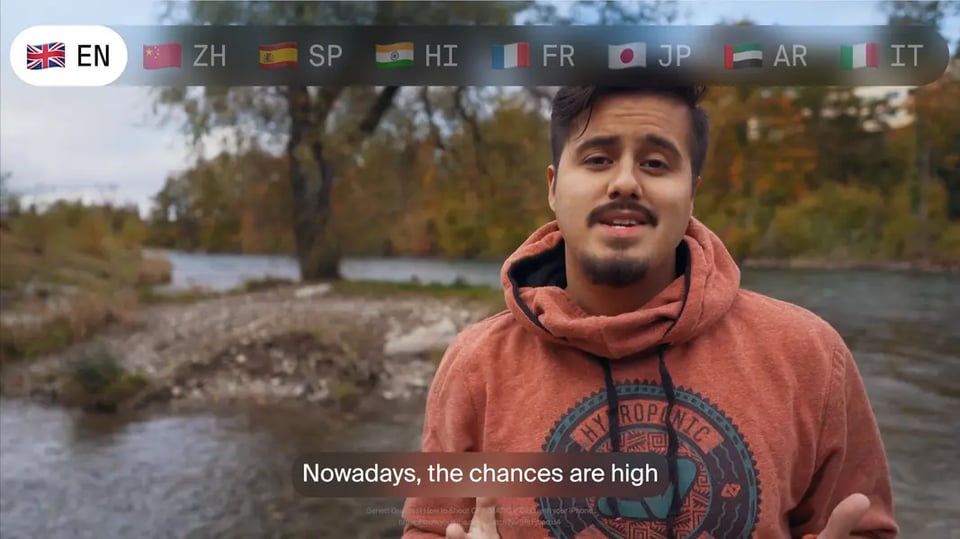
Translate the whole frame, not just the voice

Slides, captions and screen demos come out translated too

Rask translates on-screen text on Business and Enterprise and records demos with AI Screen Recorder. Perso Dubbing handles the spoken track with lip dubbing from the Starter plan; on-screen text and screen recording are not listed.

play button
Create polished videos with AI Screen Recorder
Review inside the project

Dictionary, project instructions and reviewer roles

Both tools offer a glossary and script editing. Rask adds project instructions for the translation model and reviewer roles on Business and up, so a colleague approves before publishing; Perso lists real-time script editing and a custom glossary.
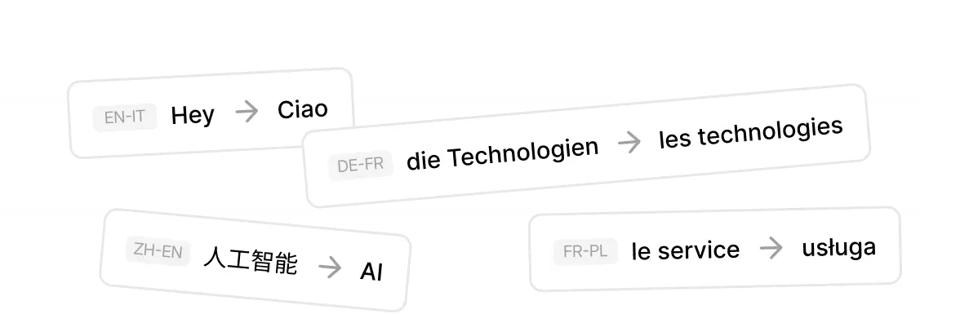
Translation DictionaryScreenshot: review step
Built for a localization operation

Teams, batches and an API with the same pipeline

Teamspaces, folders, batch upload and the same pipeline through the API with an SLA on Enterprise. Perso offers a shared workspace and team collaboration on Enterprise.

Rask APIDiagram: Rask API pipeline
See it in action

See Rask on a real video

Watch the original, switch to a translated version, and review the voice, timing and terminology. Rask output only; run the same kind of clip through Perso.ai yourself to compare.
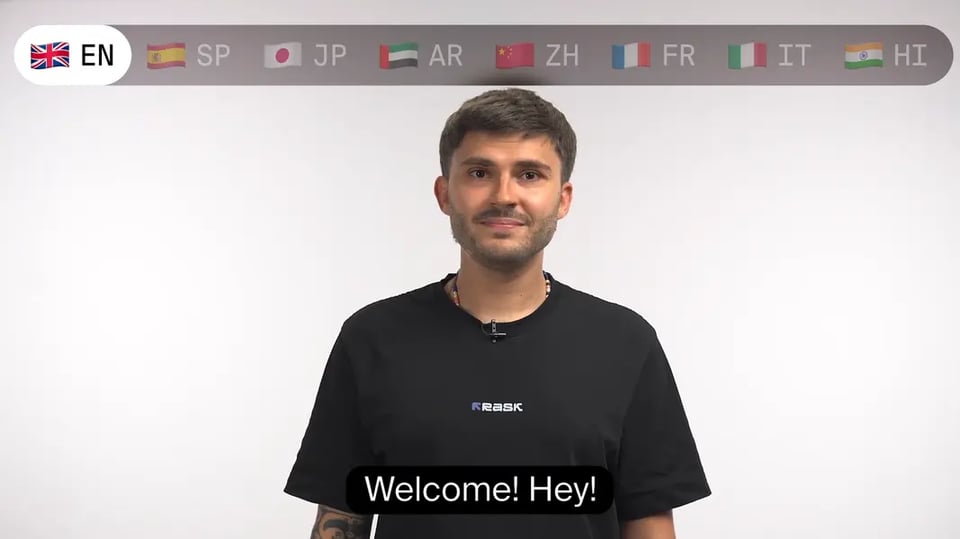
Rask output only: the same source video, translated by Rask into four languages with voice cloning and lip-sync.
Getting started

Start with one video

Upload a short sample, review the translation and check the result before moving more content.

1
Upload one short video

A representative clip or its SRT. Existing subtitles become the source transcript.

2
Review the translation

Check wording and terminology in the segment editor; add your product terms to the dictionary.

3
Compare the result, then decide the scope

Export the localized version, share it with your team and plan the rest of the library, with or without the API.

FAQ

Rask AI vs Perso.ai: common questions

Questions come from pre-sales calls. Can't find yours? Contact sales.

How does Perso pricing compare?

Does Perso have a glossary?

How long a video can I dub?

Does Rask work with multi-speaker videos?

Is there an API?

Is Rask SOC 2 compliant?

See how your video sounds in a new language

Start with a short clip and one target language. Preview the voice and wording with your own content. Three free minutes, no credit card. Team features and on-screen text translation: see them in a demo.
Three free minutes · No credit card required