 vs
vs HeyGen
Rask AI vs HeyGen for video translation with review control
Both translate real footage with voice cloning and lip-sync. Compare how you will review terminology, handle the text on screen and run localization as a team before you decide.
- You localize screen-heavy content: product demos, training, slide decks. Rask translates the text inside the frame on Business and Enterprise and records the screen in the same tool.
- You need terminology control in one workflow: translation dictionary, project instructions and a segment editor, with re-renders included.
- You localize a library, not a video: batch upload, teamspaces, API with an SLA.
- You produce avatar videos from a script and want translation in the same tool.
- You already create your videos in HeyGen and want to keep translation in that workflow.
- You need a locale from the long tail of HeyGen's 175+ list for a one-off project.
Compare the workflows that matter
Compared product: HeyGen Video Translate.
Translation review · Video output · Team workflow · Pricing. Capabilities both tools share are collected at the end. Hover the ? next to a feature for what it means.
Shared capabilities (13) Show
Where the two tools actually diverge
Slides, captions and on-screen text come out translated
Localize slides, captions and other on-screen text with Rask on Business and Enterprise. AI Screen Recorder, in beta, captures a product demo and sends it to translation. HeyGen Video Translate works on the spoken track; on-screen text is not listed on its site.


Keep product names and wording under control
Use Rask's translation dictionary, project instructions and segment editor to review the translated script in one workflow. HeyGen offers a brand glossary and Edit & Review on Pro and up; proofreader seats are on Enterprise.
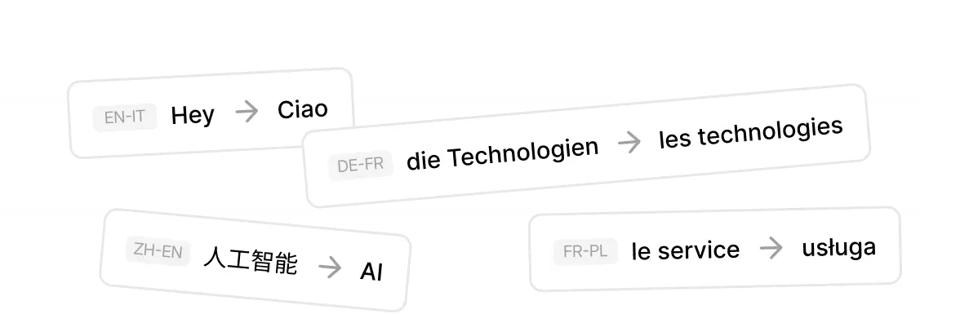 Screenshot: translation dictionary and review step
Teams, batches and an API with the same pipeline
Teamspaces, folders, voice presets, batch upload and the same pipeline through the API with an SLA on Enterprise. HeyGen offers multi-workspace control, SSO and SCIM on Enterprise.
.png) Diagram: Rask API pipeline
Diagram: Rask API pipelineSee Rask on a real video
Watch the original, switch to a translated version, and review the voice, timing and terminology. Rask output only; run the same kind of clip through HeyGen yourself to compare.
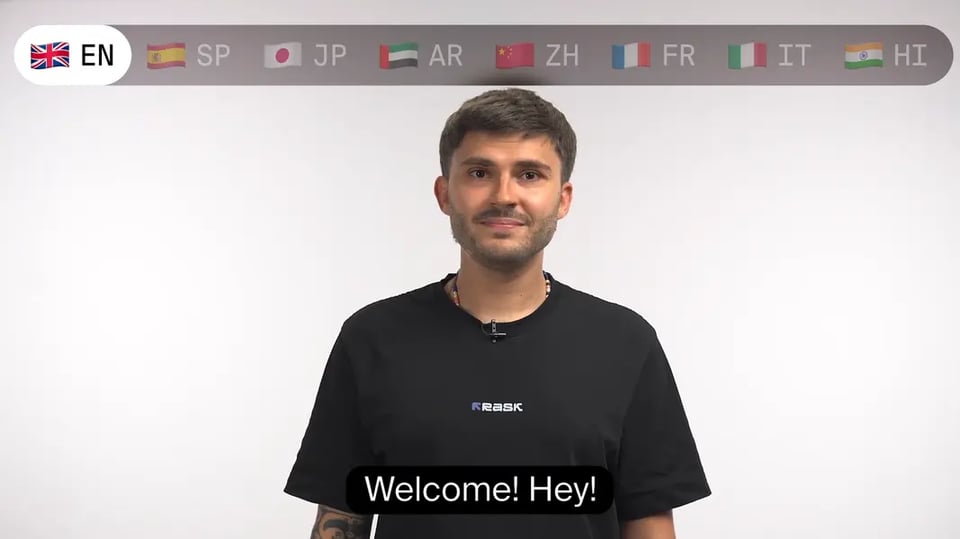


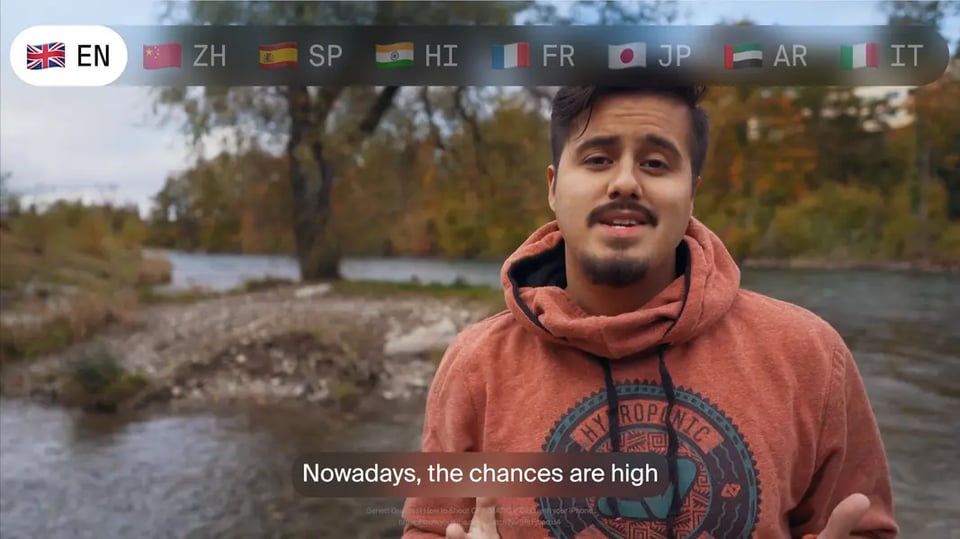

Start with one video
Upload a short sample, review the translation and check the result before moving more content.
A representative clip or its SRT. Existing subtitles become the source transcript.
Check wording and terminology in the segment editor; add your product terms to the dictionary.
Export the localized version, share it with your team and plan the rest of the library, with or without the API.
Rask AI vs HeyGen: common questions
Questions come from pre-sales calls. Can't find yours? Contact sales.
HeyGen lists 175+ languages, Rask 135+. Does that matter?
Does HeyGen translate text on screen?
Can I record my screen and translate it in Rask?
How does HeyGen handle several speakers?
How do credits compare to minutes?
Can I keep HeyGen for avatars and use Rask for localization?
Is there an API?
Is Rask SOC 2 compliant?
Other comparisons
HeyGenRask AI vs HeyGen

Rask AI vs CAMB.AI

Rask AI vs Perso.ai
 Synthesia
Rask AI vs Synthesia

Rask AI vs ElevenLabs

Rask AI vs Descript