Glossary
Approve translations for course terms and acronyms once. Every lecture then uses the same wording.
Translate lectures into 135+ languages. Keep your professor's voice and your academic terminology.
Free trial, no credit card required. Try it on your own video.

Students hear the same teacher in their own language, with the same pace and emphasis.
The same professor voice in every lecture and every language.
Set how close to the original and how lively the delivery is.
Natural delivery in the target language.
Free trial, no credit card required. Try it on your own video.
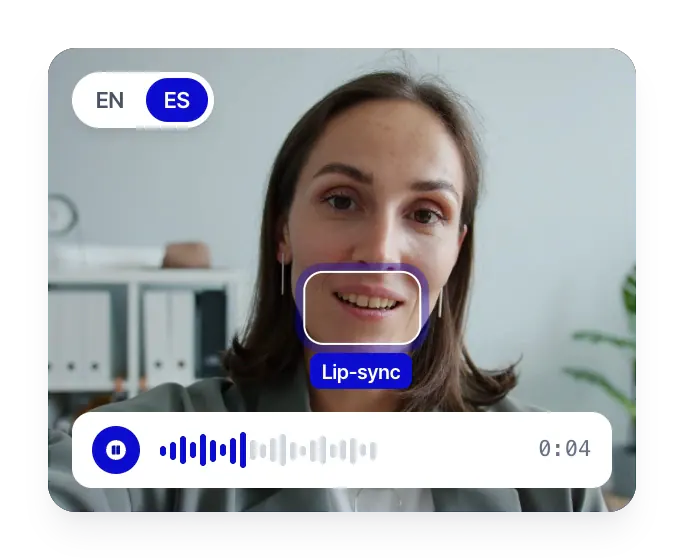
When the camera is on the professor, lip sync matches the translated audio, so the lecture feels native.
Mouth movement adapts to the dubbed speech.
Use lip sync on speakers who agreed to it.
Preview the result in the editor and re-dub any segment.
Free trial, no credit card required. Try it on your own video.
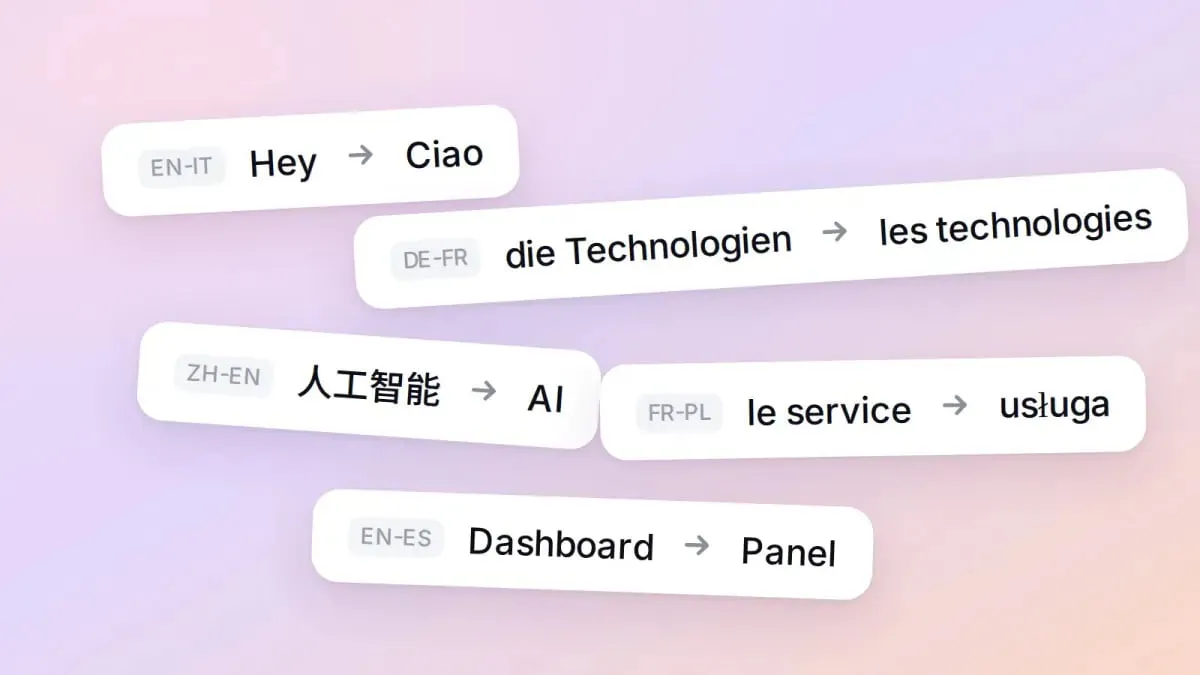
Lock terms, names and acronyms once. Every lecture follows them.
Approved translations for terms, names and acronyms.
Set the tone, for example a formal lecture or a friendly tutorial.
Flagged segments to review before export.
Free trial, no credit card required. Try it on your own video.
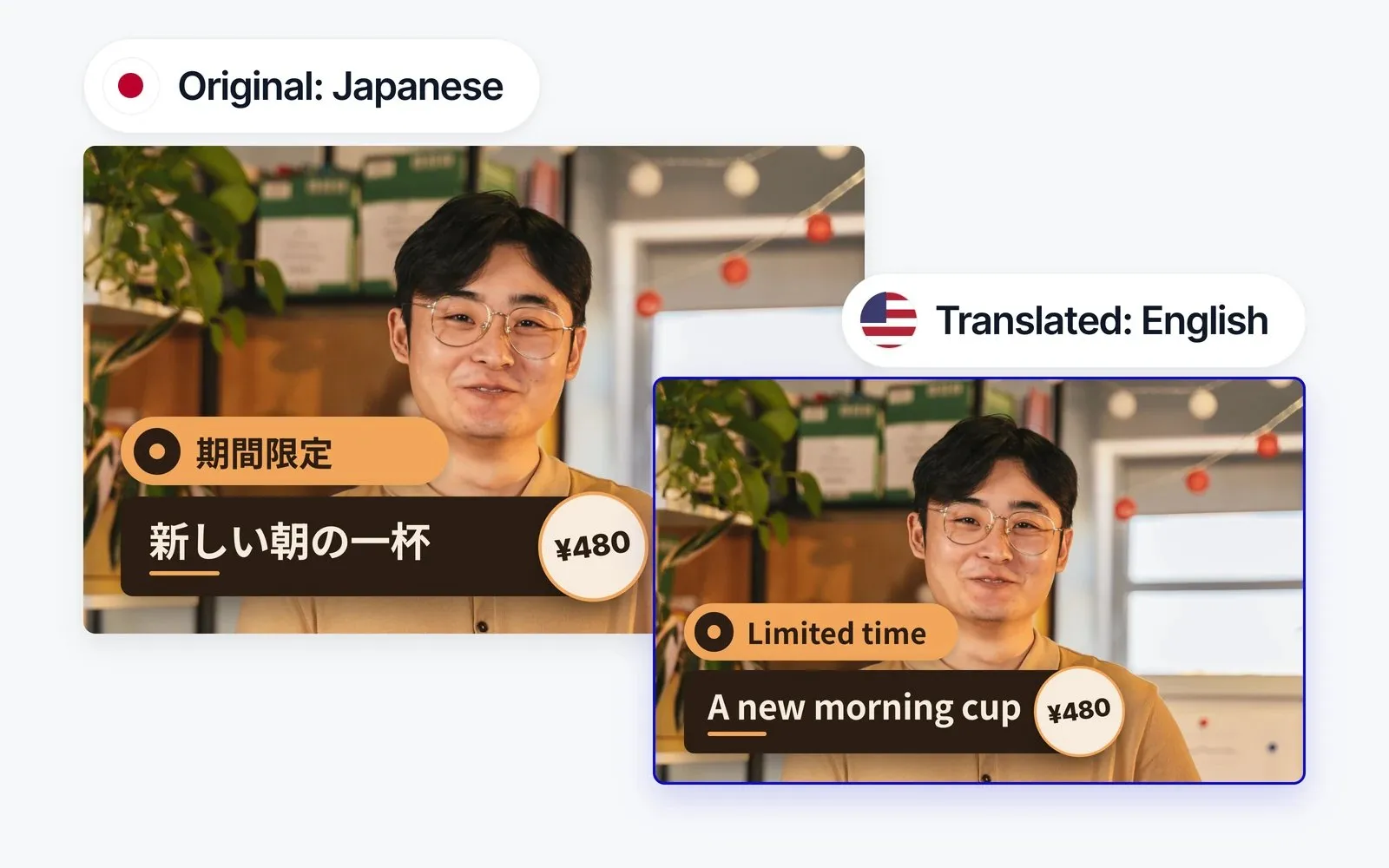
Text on slides, whiteboards and lower thirds is translated and placed back in its original style.
Text inside the video is detected and translated.
Position and look stay close to the source.
Free trial, no credit card required. Try it on your own video.
Set the rules once. Review before anything is published.
Approve translations for course terms and acronyms once. Every lecture then uses the same wording.
Describe the audience and tone, from a formal lecture to a friendly tutorial. The translation follows it.
Fix text, timing or a voice line by line. Correct one sentence without redoing the whole video.
Upload approved subtitles as SRT. Rask dubs from your wording and exports SRT back.
Rask detects each speaker in panels and Q&A sessions and keeps a separate voice for every one.
Nothing goes live automatically. Reviewers approve each lecture, and sensitive courses can add human review.
Free trial, no credit card required. Try it on your own video.
From one lecture to a full curriculum. Pick the level of support you need.
Your team uploads videos, reviews them in the editor and publishes or downloads, in batches and by course.
We set up terminology, voices and review stages, add human in the loop, and deliver finished translated videos. API access included if you want it.
Plug translation into the platform where your courses already live. A new lecture lands in your library, gets dubbed, reviewed and published.
Free trial, no credit card required. Try it on your own video.
Everything your institution needs to scale video translation with governance, security and quality control.
Connect your LMS or video platform and process whole libraries.
Independently audited security controls. Trust Center available.
Documents ready for your legal and procurement review.
Integrate with Okta, Azure AD, Google Workspace and more.
Professional human review for sensitive or high-stakes content.
Closed AI environment. Your lectures are never used for general model training.
Try it on your own video, one lecture or a full program. Or book a demo to see the workflow for your university.
Free trial, no credit card required.