Rask MCP Server: Run AI Video Localization From an Agent
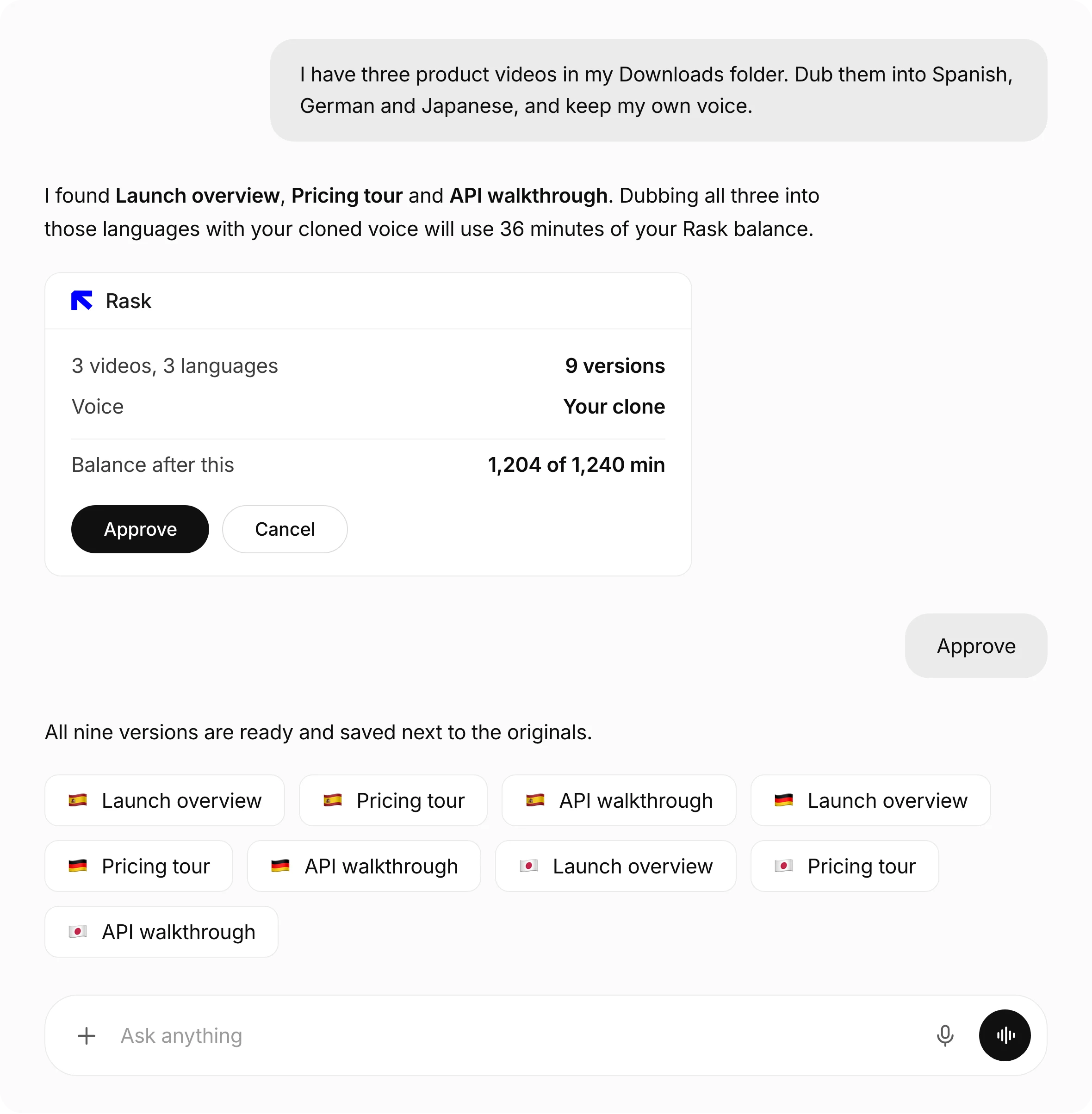
AI video dubbing and translation, from one message

How teams use Rask MCP


A weekly episode, in three more languages

Every market on the day of the launch

A whole course, one request

A client note becomes a fix, not a re-delivery
AI dubbing, voice cloning, lip-sync and subtitles in one conversation
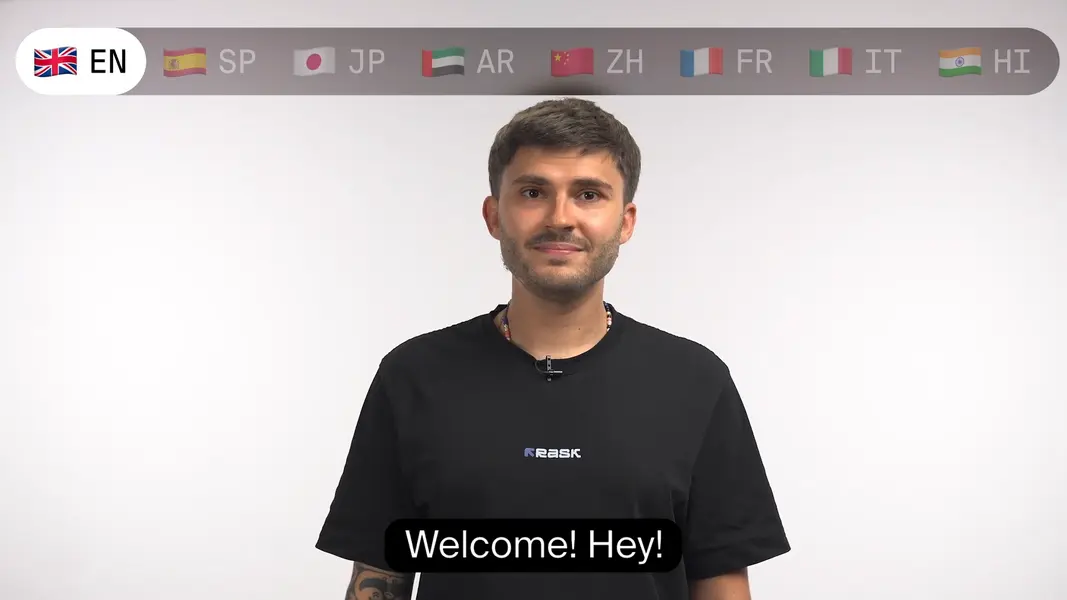
AI video dubbing in 135+ languages
Ask for a language and Rask handles the rest: transcript, translation, voices and the mix. Dubbing 2.0 follows the meaning of a line and fits it to the time available.
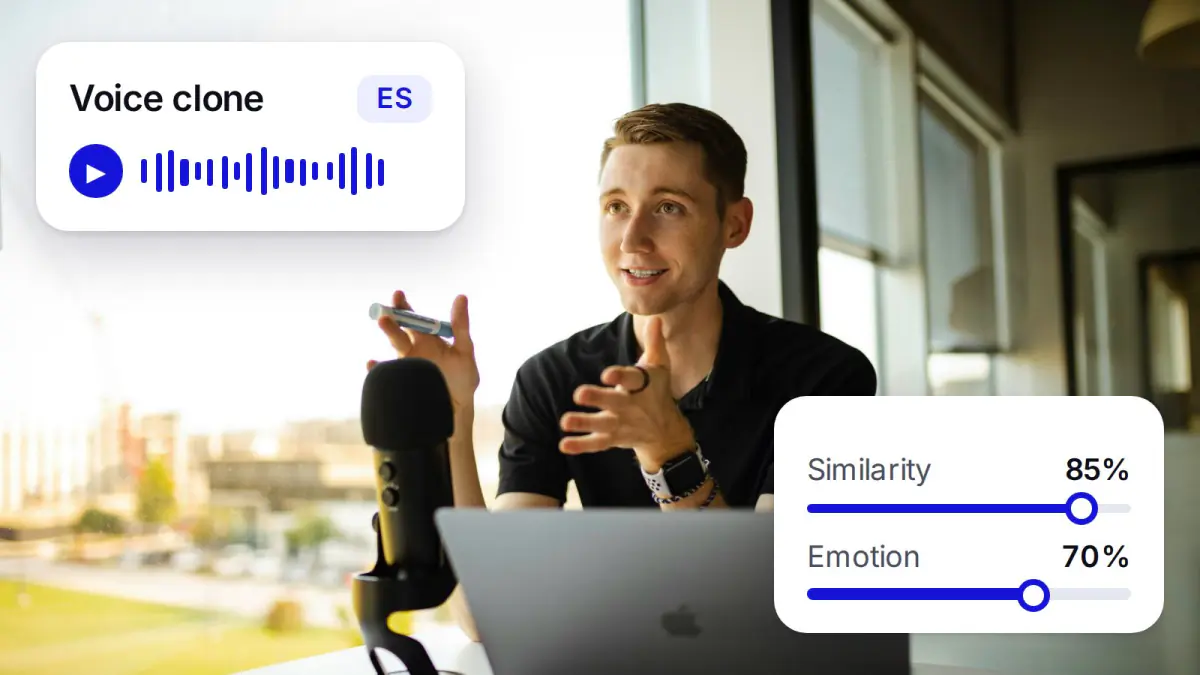
The speaker keeps their voice
When the person on camera is the reason people watch, the dub should still sound like them. Ask for a cloned voice and tune the accent and the emotion.
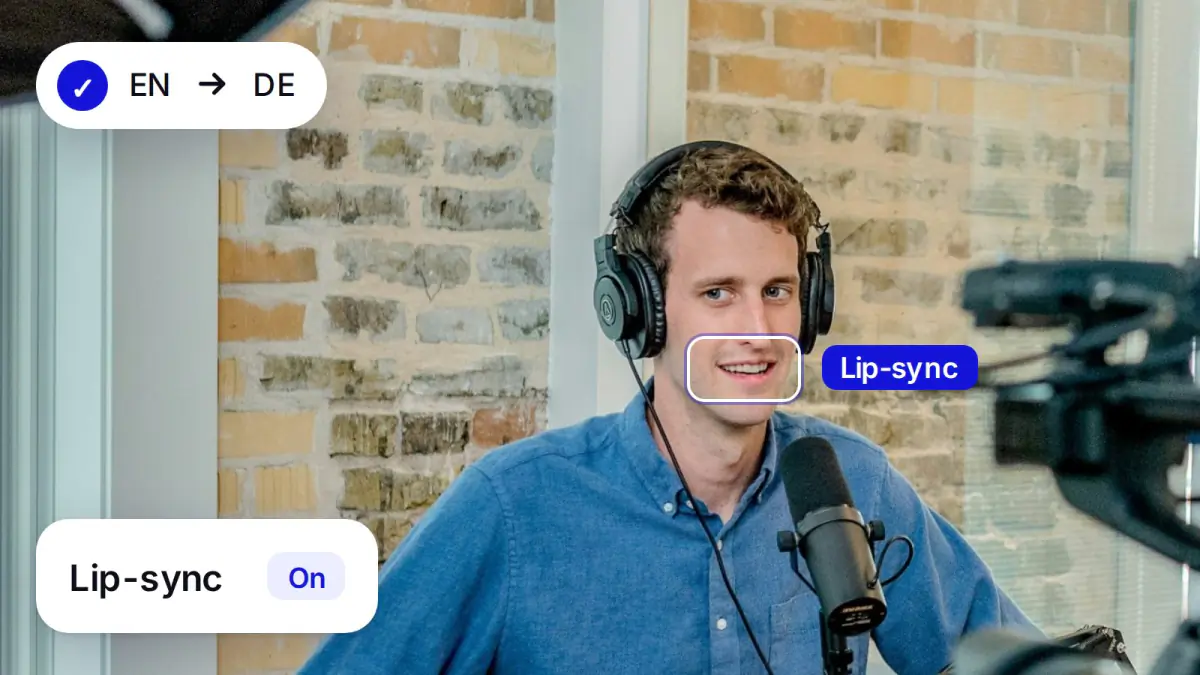
AI lip-sync that matches the audio
Say "add lip-sync" and the mouth movement follows the dubbed speech, including scenes with more than one person on camera.
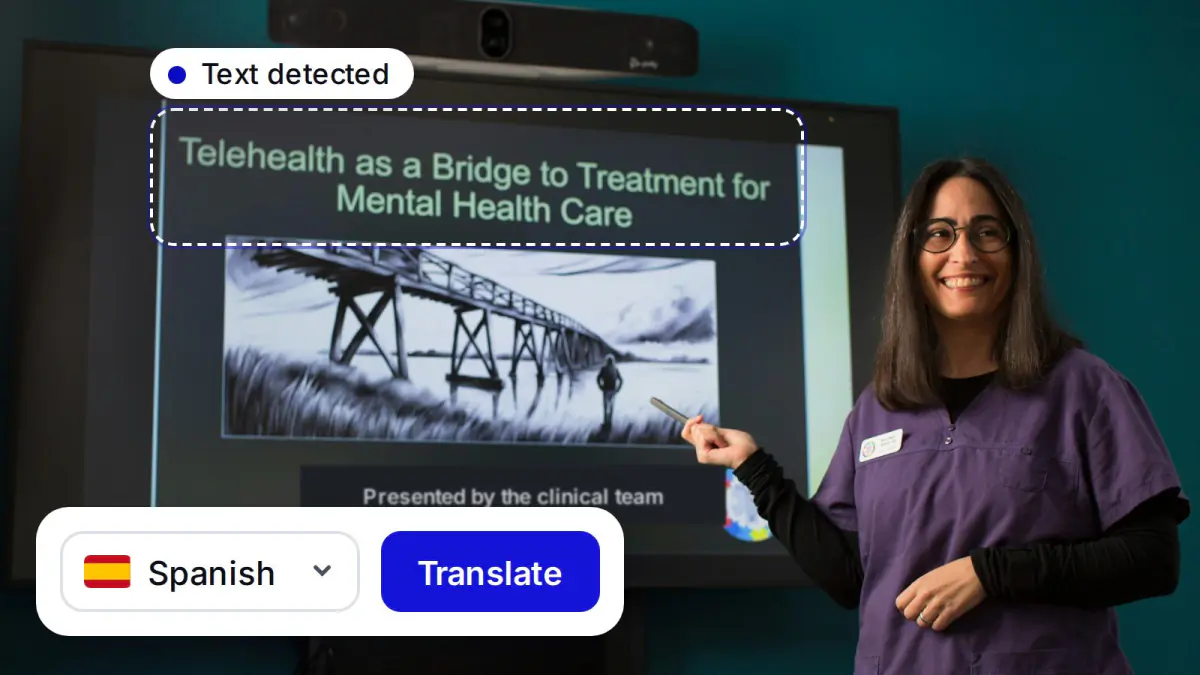
Text inside the frame
Titles, captions and slides carry meaning the audio leaves behind. Ask for them too and the translated text comes back inside the video.
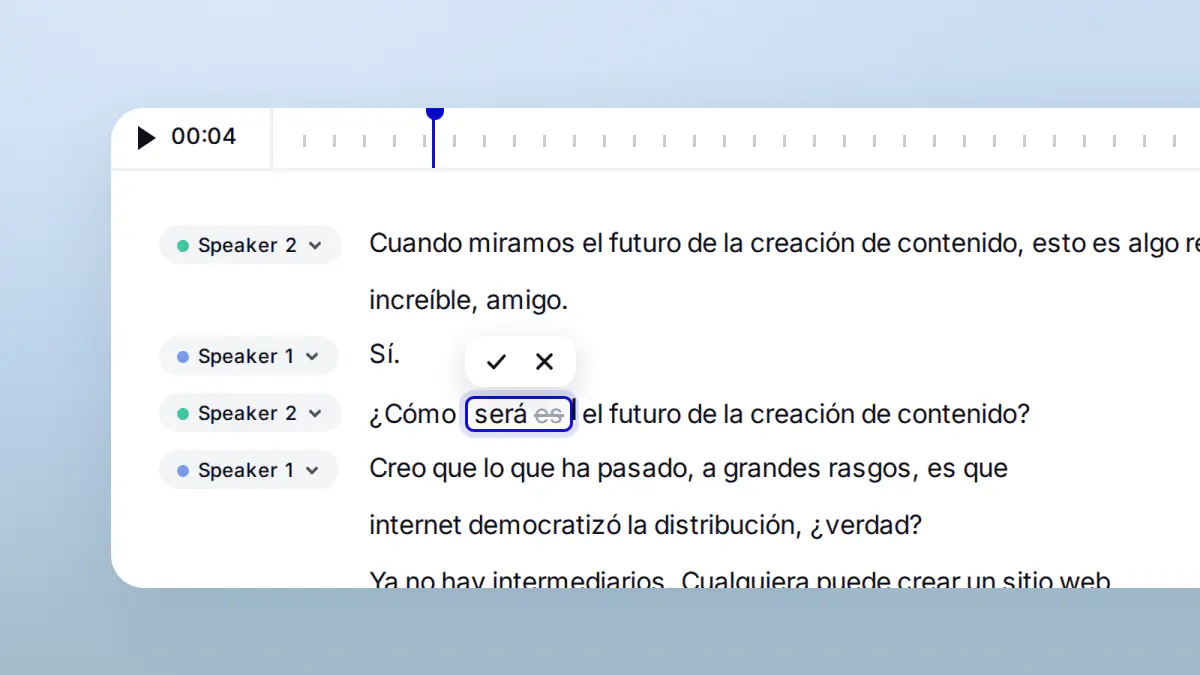
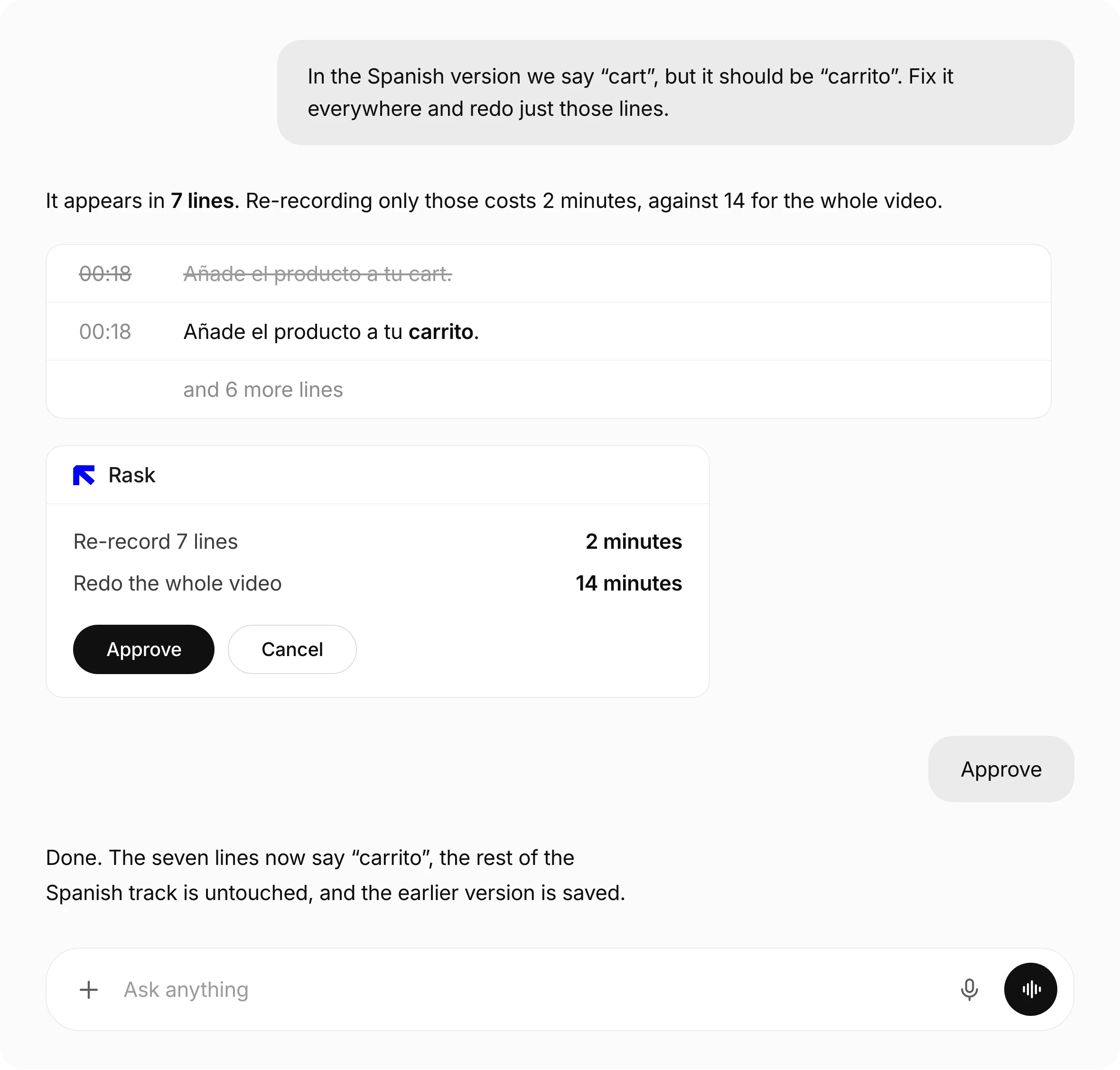
Corrections in plain words
Describe the change the way you would to a colleague. Rask fixes those lines, records them again and keeps the version you had before.
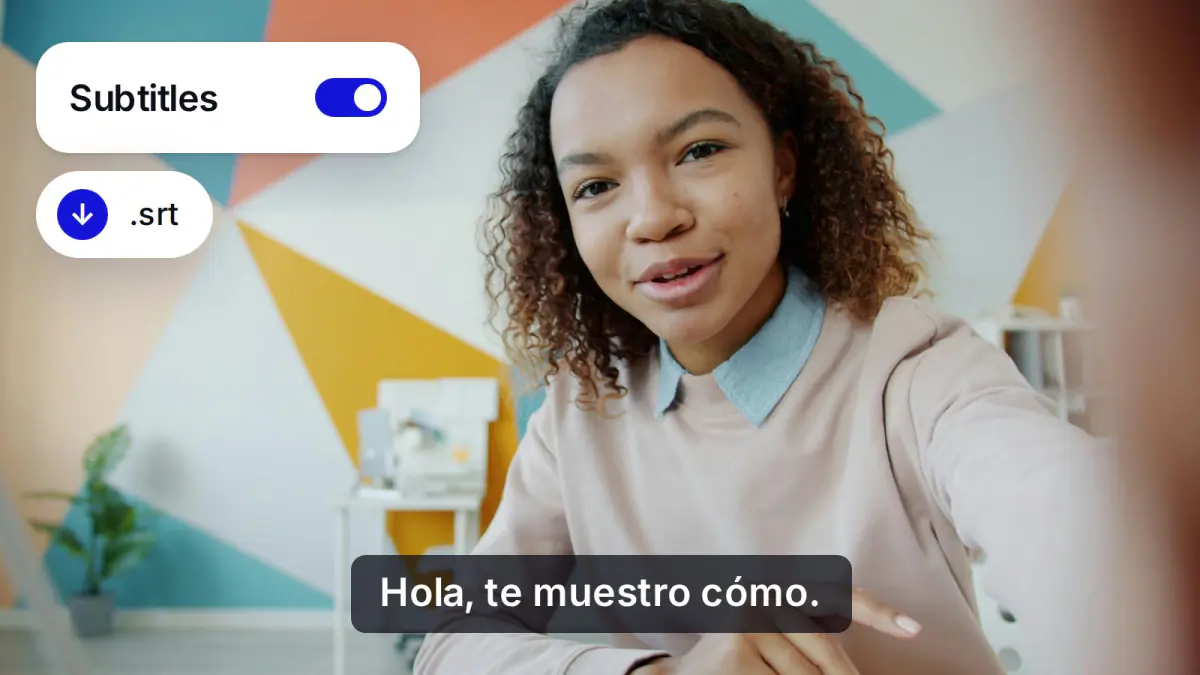
Subtitles and finished files
Ask for subtitles burned into the picture or as files, and get the dubbed video, the audio and the transcript back in one place.
The price is agreed before the work starts
It asks the price first
You approve it
It never costs more
Change one line, redub that line
Everything your AI agent is allowed to do
Your account
rask_get_accountrask_get_usagerask_list_languagesGetting video in
rask_create_uploadrask_import_mediaProjects
rask_create_projectrask_list_projectsrask_get_projectrask_get_download_linksThe script
rask_get_transcriptrask_edit_transcriptrask_retranslate_segmentsVersions
rask_list_versionsrask_save_versionrask_restore_versionVoices
rask_get_voice_setuprask_list_voicesrask_set_speaker_voicerask_create_voice_cloneThe work itself
rask_estimate_costrask_start_dubrask_start_lipsyncrask_start_onscreenrask_start_localizationrask_generate_segmentsProgress
rask_get_jobrask_cancel_jobEverything else
rask_api_operationsrask_api_readThe video localization API behind the MCP server
# pip install rask-sdk
from rask_sdk import Rask

rask = Rask()                                   # reads RASK_API_KEY

# the price first - free, and it changes nothing
estimate = rask.projects.estimate_project(
    media_id=media_id, target_language="es-es"
)

# the price you accepted is the ceiling: a higher one fails instead of charging
created = rask.projects.create_project(
    media_id=media_id,
    target_language="es-es",
    expected_cost_minutes=estimate.total_minutes,
)
processed = rask.jobs.wait(created.id)

outputs = rask.exports.list_project_outputs(processed.result.project_id).data
print(next(o.url for o in outputs if o.kind == "dubbed_video"))
// npm install @braskai/api
import { Rask } from '@braskai/api';
const rask = new Rask(); // reads RASK_API_KEY
const order = { media_id: mediaId, target_language: 'es-es' };
// the price first - free, and it changes nothing
const { data: estimate } = await rask.projects.estimateProject({ body: order });
// the price you accepted is the ceiling
const { data: created } = await rask.projects.createProject({
body: { ...order, expected_cost_minutes: estimate.total_minutes },
});
const { data: processed } = await rask.jobs.wait(created.id);
const { data: outputs } = await rask.exports.listProjectOutputs(processed.result.project_id);
console.log(outputs.data.find((o) => o.kind === 'dubbed_video')?.url);API=https://api.rask.ai/v3
AUTH="Authorization: Bearer $RASK_API_KEY"
ORDER="{\"media_id\":\"$MEDIA\",\"target_language\":\"es-es\"}"
# the price first - free, and it changes nothing
CAP=$(curl -s -X POST $API/projects/estimate -H "$AUTH" \
-H "Content-Type: application/json" -d "$ORDER" | jq -r .total_minutes)
# the price you accepted is the ceiling
PROJECT=$(curl -s -X POST $API/projects -H "$AUTH" \
-H "Content-Type: application/json" -H "Idempotency-Key: $(uuidgen)" \
-d "$(jq -c --argjson cap "$CAP" '. + {expected_cost_minutes:$cap}' <<<"$ORDER")" | jq -r .project_id)
curl -s $API/projects/$PROJECT/outputs -H "$AUTH" \
| jq -r '.data[] | select(.kind == "dubbed_video") | .url'# the same work, asked for instead of written
claude mcp add --transport http rask https://api.rask.ai/v3/mcp
claude mcp login rask
> Dub this video into Spanish and keep my voice.
Rask - that will use 4 minutes of your balance. Approve?
Done. The Spanish version is saved next to the original.